Access Control Supplier
Remotes, electric locksand access control
Look up the model number on your remote or the label on its circuit board.
Browse remotesSliding-cover remotes · actual case colours
Product categories
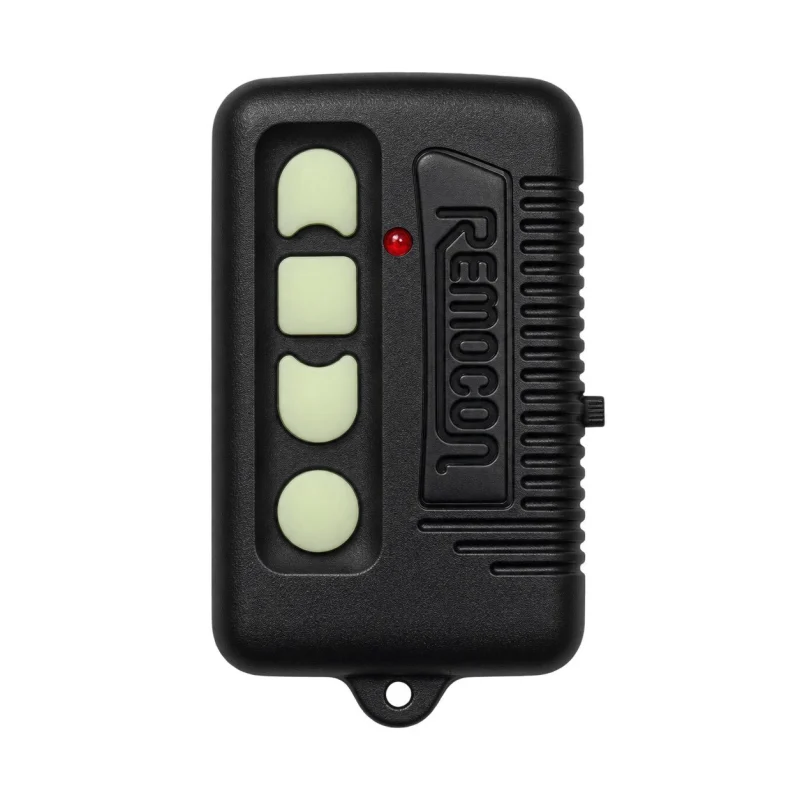
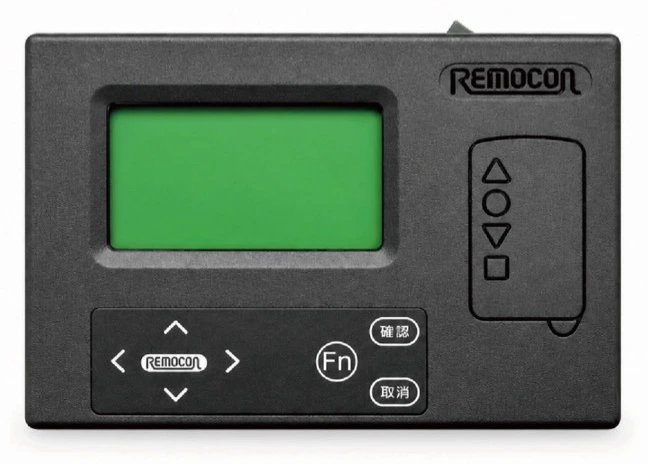
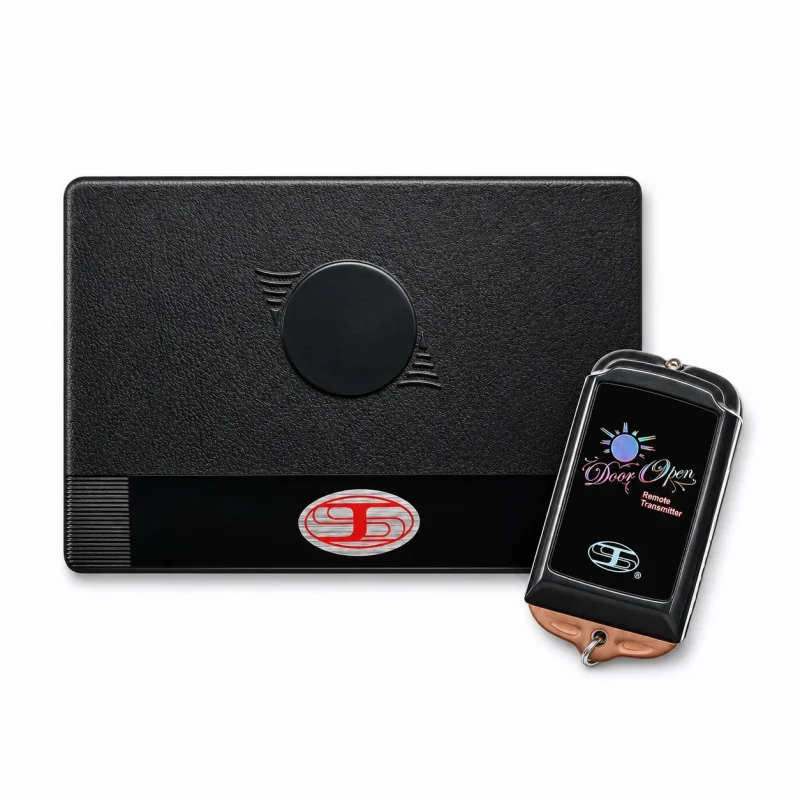
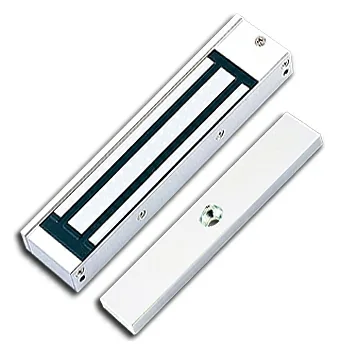
Latest guides and announcements
Frequently asked questions
Roller shutter remotes
I don’t know the model. Which label should I look for?
Look for the model on the case first. If it is unmarked, photograph the label on the circuit board so its colour, lettering and number are legible. If it is blurred, there are several labels, or you can only identify the frequency, include a photo of the whole board and the model label on the shutter receiver.
Can remotes with the same case and frequency be used interchangeably?
Check which remote models, frequency variants and coding methods the receiver supports, including fixed or rolling code. Matching cases and frequencies alone do not establish compatibility. The coding or receiver version may differ.
Can I add a remote if the old one broke or went missing? Can the old one be disabled?
If the receiver works and compatible transmitters are available, you can usually add a remote. Whether a lost remote can be disabled individually depends on the receiver. Some models require all remotes to be cleared and each remaining remote registered again.
Will a new remote work straight away, or does it need pairing?
It depends on the system. DIP-switch remotes must match the original system’s switch positions. Learning-code or rolling-code remotes usually need to be registered according to the receiver manual. Send the original remote and receiver models before ordering to confirm the setup.
I changed the battery but still have to stand close. Is the remote faulty?
Try a known working remote from the same spot. If only one has lost range, check its battery specification, contacts and the remote itself. If all have lost range, have a technician check the receiver, antenna position, nearby metal obstructions and interference.
Shutter controllers and receivers
Neither the remote nor the wall button works. Is it the controller or the motor?
First check for a power outage, manual mode or the model’s lock function. If these checks do not explain the problem, have a technician inspect the control box, motor and relevant switches.
All remotes work only at close range. Should I check the receiver or antenna?
Have a technician check for a loose antenna connection, shielding by a metal box or other objects, and any recent change in controller location. If the installation and antenna are in order, check the receiver and its power supply. Tell us the previous and current operating range.
The shutter only goes up, or the stop button does not work. Who should check it?
Contact the original installer or a shutter technician. Say whether the wall button and remote behave the same way, and which direction or button fails. This helps them check the controls, controller and limit switches. If the stop button fails, stop using the shutter and arrange a repair.
Can I replace just the receiver and keep using my old remotes?
A separate receiver can often be replaced if the other controls work and a compatible replacement is available. If reception is integrated into the main board, check which parts the manufacturer supplies. Existing remotes need compatible frequencies, coding and model support, and may need registering again.
How do I open the shutter during a power cut? Can I add backup power?
Follow the manufacturer’s instructions. If a manual clutch or pull mechanism is fitted, use the specified manual method. Some models support a UPS. Ask the installer to confirm controller compatibility and motor load first. If the garage has no other entrance, ask whether the model supports an external release.
Electric locks
Which electric lock suits a glass, aluminium or steel door?
Consider an electric drop bolt for double-swing glass doors. Frameless glass may require a glass clamp or surface housing. On aluminium or steel doors, assess a magnetic lock or electric strike against the frame space, swing direction and existing lock. Send photos of the door, frame and lock, and say whether the door swings in, out or both ways.
Will the door unlock or stay locked during a power cut?
Check the lock model’s power-off behaviour. A fail-safe lock releases on loss of power, as most magnetic locks do. A fail-secure lock stays locked. Whether the door can open from inside also depends on the existing lock, handle and exit hardware. Have the installer assess public entrances and emergency exits on site.
How do magnetic locks, electric drop bolts and electric strikes differ?
| Type | How it holds the door | What to check first |
|---|---|---|
| Magnetic lock | A powered magnet holds an armature plate on the door. | Frame space and whether a bracket is required. |
| Electric drop bolt | An electrically controlled bolt extends into a matching opening. | Accurate alignment when the door closes. |
| Electric strike | The powered keeper releases the existing mechanical latch. | Compatibility of the original latch and new strike. |
Can I keep my lock and keys? Will I need a bracket?
You can usually keep your lock and keys if its latch is compatible with the electric strike. For a magnetic lock or drop bolt, bracket requirements depend on frame depth, swing direction and whether the glass has a frame. Send close-up photos of the door-edge latch and frame strike.
Why won’t the door lock when closed, or open after an authorised card read?
If it does not lock, check that the door closes fully, the bolt aligns with its opening and the magnetic lock faces meet properly. If the reader grants access but the door stays shut, have a technician check the controller’s release signal, power to the lock and whether the door presses against the latch.
Access control equipment
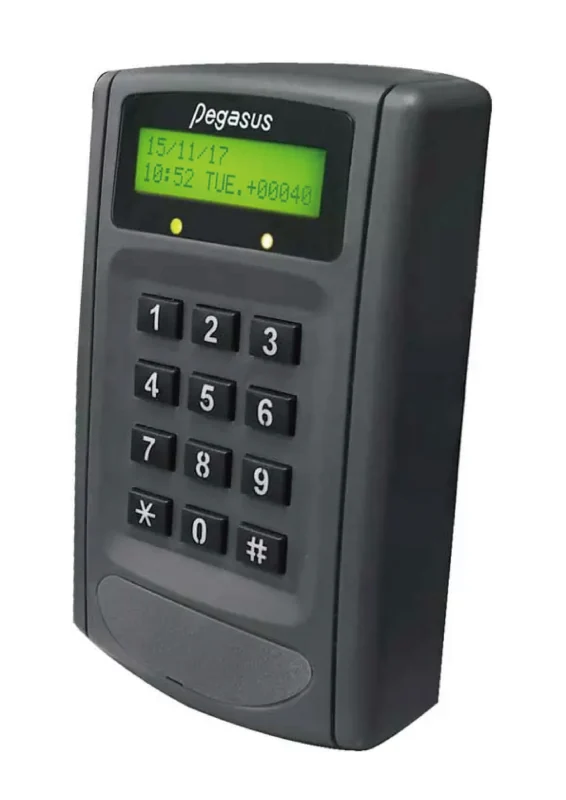
Will my existing proximity cards or key fobs work with a new reader?
They may. Match the frequency, card format and reader specifications. Even two 13.56 MHz devices may support different card types. Test an existing card or fob before replacement and check whether permissions need to be registered again.
Can I disable just one card if it is lost or an employee leaves?
Systems with individual card management allow an administrator to disable a card by person or card number while others retain access. With multiple readers, confirm the change has reached every relevant door.
Can I unlock with a PIN or phone, or admit visitors remotely?
Check the reader and management system. PIN entry needs a reader with PIN support. A phone used at the door needs a compatible reader and mobile credential. Remote unlocking needs a connected system with remote control. Say whether you want to present a phone at the door or admit a visitor from elsewhere.
Will cards still work if the network goes down? What if the power fails?
Registered cards usually work offline if the controller validates them locally. Remote unlocking and live synchronisation may stop. During a power cut, operation depends on backup power to the controller, reader and lock. Once the backup runs out, the lock model and installation determine the door’s state.
Can I review entry and exit records or assign different access hours?
A system with event logging and schedules can limit staff to particular doors during working hours and show when a card was used. If you need both entry and exit records, make sure there is identification equipment in each direction.
My card beeps but the door stays closed. Is it the permissions, reader or lock?
A beep means the reader responded. Check whether the indicator or event log shows access granted, then try a known valid card. If only one card fails, check its registration, permissions and schedule. If several valid cards are granted access but the door stays closed, have a technician check the controller output, lock power and lock hardware.
Need help identifying a model or checking compatibility? Send photos of the remote model or circuit-board label, the shutter controller label, or the door and frame. We supply shops and installers. If a home remote or shutter fails, we can also help you find a locksmith. Contact us
Become a dealer outside Taiwan
For locksmiths, shutter and gate installers, hardware stores and distributors.
Become a dealerWhat you get
Dealer pricing
Materials in your language
Catalogues, photos and short videos you can use locally.
Technical support
Copying guides and compatibility checks.
Become a dealer / Contact us
Fill in the form. We'll reply by email or chat with dealer prices and product details.